
Aback Tools
Free online tools for file conversion and productivity enhancement.
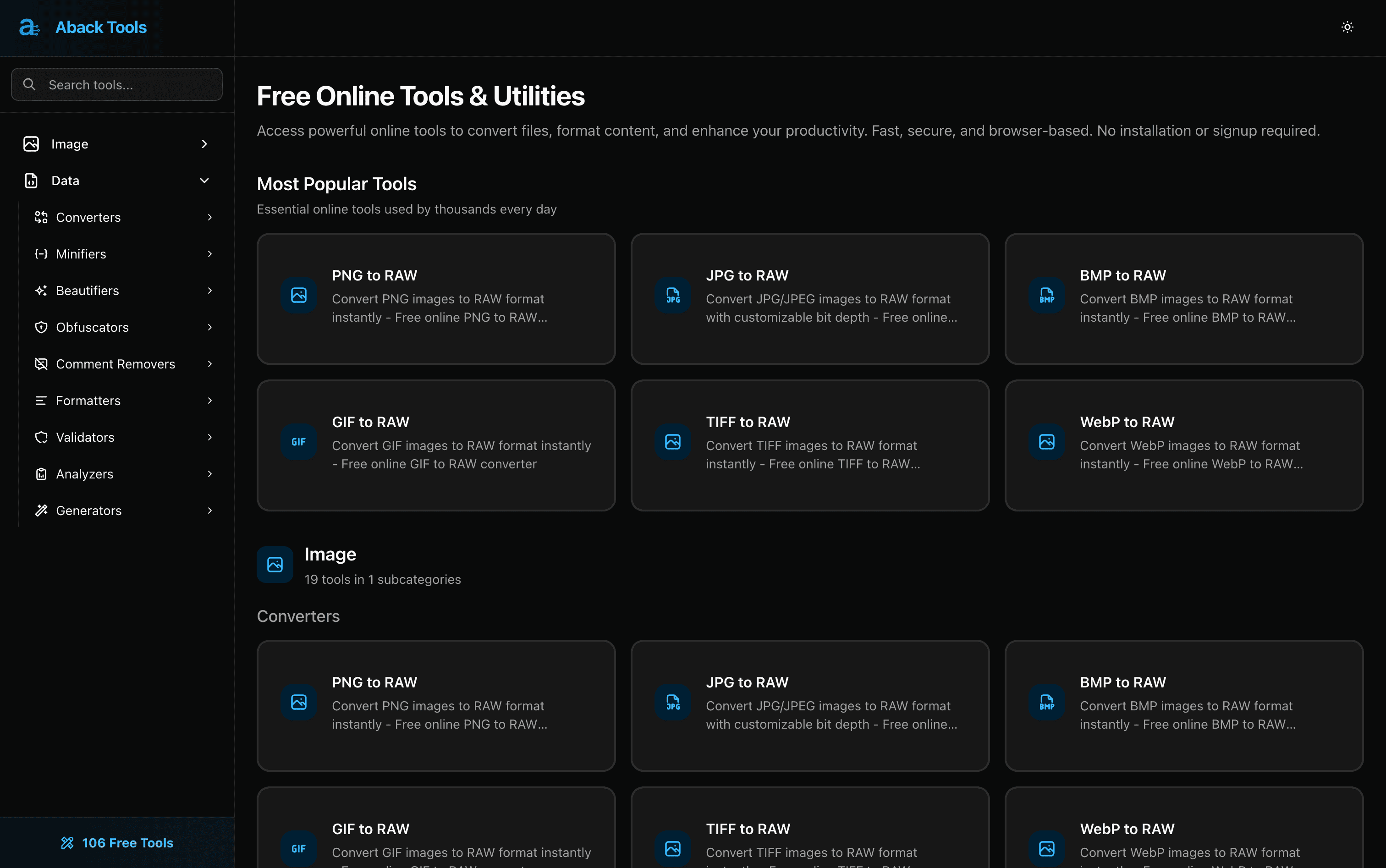
Instantly convert various image formats to RAW
No installation or signup required
Fast and secure browser-based utilities
User-friendly interface for all skill levels
Access a wide range of additional productivity tools
- Graphic designers converting images for projects
- Developers needing quick file format changes
- Content creators preparing images for publication
- Students and educators utilizing file conversion for coursework
- Anyone looking to streamline their digital file management
- 1Visit the Aback Tools website
- 2Select the desired tool from the homepage
- 3Upload your file and select the output format
- 4Click 'Convert' to process your file
- 5Download your converted file in seconds
Do I need to create an account to use Aback Tools?
No, Aback Tools does not require any sign-up or account creation.
What types of files can I convert?
You can convert various image formats including PNG, JPG, BMP, TIFF, GIF, and WebP.
Is Aback Tools secure to use?
Yes, Aback Tools prioritizes user security and operates entirely in the browser without data retention.
Can I access Aback Tools on mobile?
Yes, Aback Tools is accessible on any device with a web browser.
Are there any limitations on file sizes?
As of now, there are no stated limitations mentioned on the Aback Tools website.

Related Tools
More active tools in Developer Tools.

AutoLocalise
Skip translation files & complex setups. AI auto-translates with context and learns from manual updates. Real-time updates, support 100+ languages for React, Python, Next.js & React Native.

Travis CI
Simple, flexible, trustworthy CI/CD — automate testing and deployment straight from your repository.
Insomnia
An open-source API client by Kong — fast request building with Git sync and design-first workflows.
Postman
The collaborative API platform — design, test, document, and monitor APIs in one workspace.
