Cursive Generator
Create styled cursive text effortlessly for any purpose.
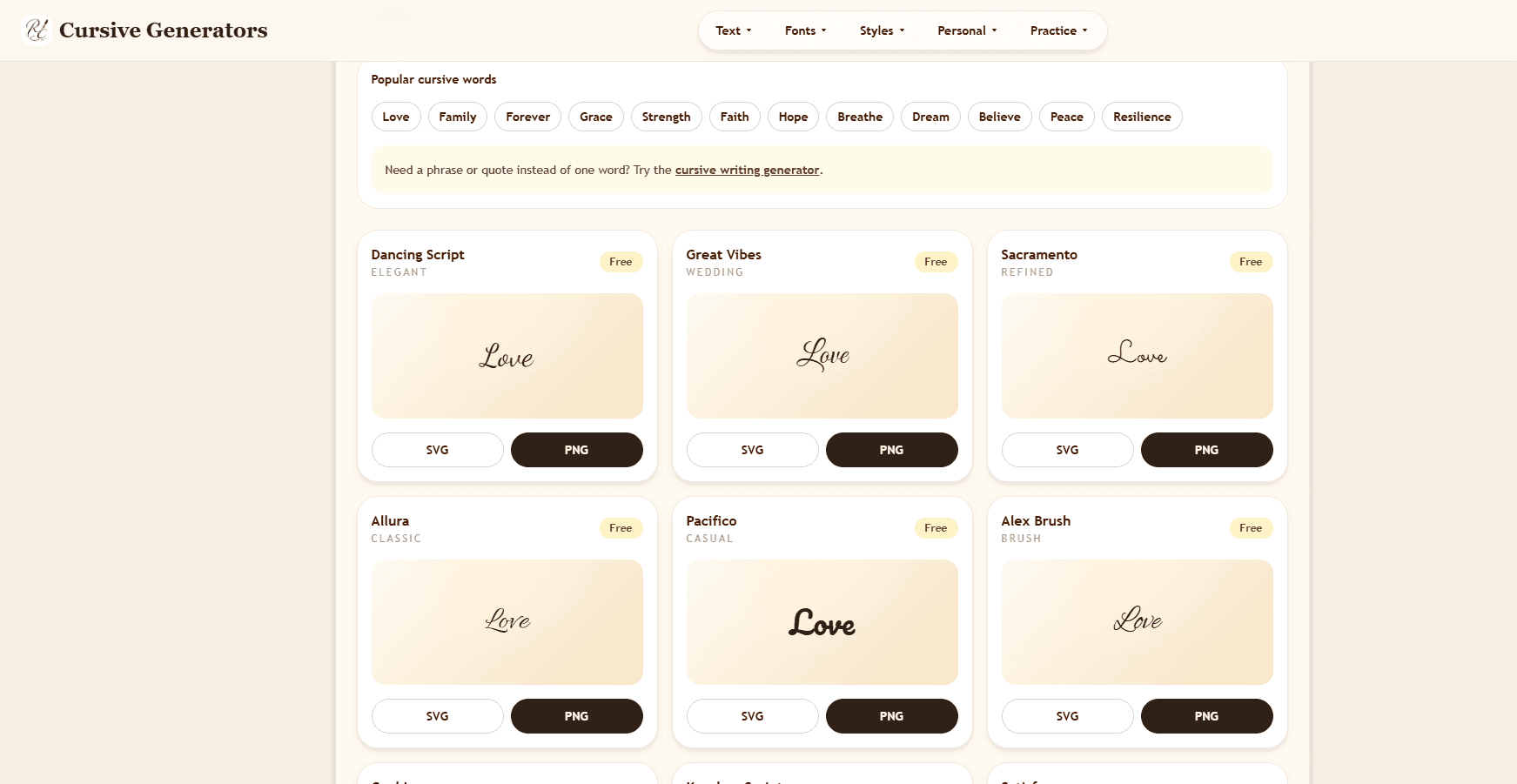
Various cursive styles available
Download options in PNG and SVG formats
Unicode copy-paste for easy use
No sign-up required for instant access
User-friendly interface for quick text generation
- Creating eye-catching social media bios
- Designing invitations with elegant text
- Customizing tattoos with unique cursive styles
- Generating stylistic text for graphic design projects
- Practicing cursive handwriting online
- 1Visit the Cursive Generator website.
- 2Type your desired text into the input box.
- 3Choose the preferred cursive style from the options provided.
- 4Click 'Copy' to use Unicode text or 'Download' for image files.
- 5Use the text in your projects immediately!
Is the Cursive Generator free to use?
Yes, the Cursive Generator is completely free to use without any sign-up required.
What formats can I download my text in?
You can download your styled text in both PNG and SVG formats.
Can I use the cursive text on social media?
Yes, the Unicode styles can be easily copied and pasted into social media posts, bios, or comments.
Do I need to create an account to use this tool?
No, there's no need to create an account; you can use it instantly.
What is the difference between Unicode and downloadable cursive?
Unicode styles remain text-based and can be pasted directly, while downloadable versions are image files suitable for design work.

Related Tools
More active tools in Productivity.

RemoveMark
DealFree online tool to remove watermarks from Sora videos instantly. Works without downloads. Remove sora 2 watermark with the best video tool available.

SpeedyShare
Upload a file, share the QR code or 6-digit link — done in seconds. No account, no app. Files auto-delete after 30 minutes. iPhone, Android, Mac, Windows.

SpeedyShare - Easy, free file sharing
Upload a file, share the QR code or 6-digit link — done in seconds. No account, no app. Files auto-delete after 30 minutes. iPhone, Android, Mac, Windows.

keywordranker
Dealkeywordranker is a keyword research tool centered on a free KGR calculator. It helps SEO users analyze long-tail keywords, estimate low-competition opportunities, and understand Keyword Golden Ratio strategy with supporting SEO metrics.

