
Kling 5
Kling 5.0 AI offers Kling AI video generation. Create 4K cinematic videos from text or images with character consistency, native audio sync, and lip-sync.
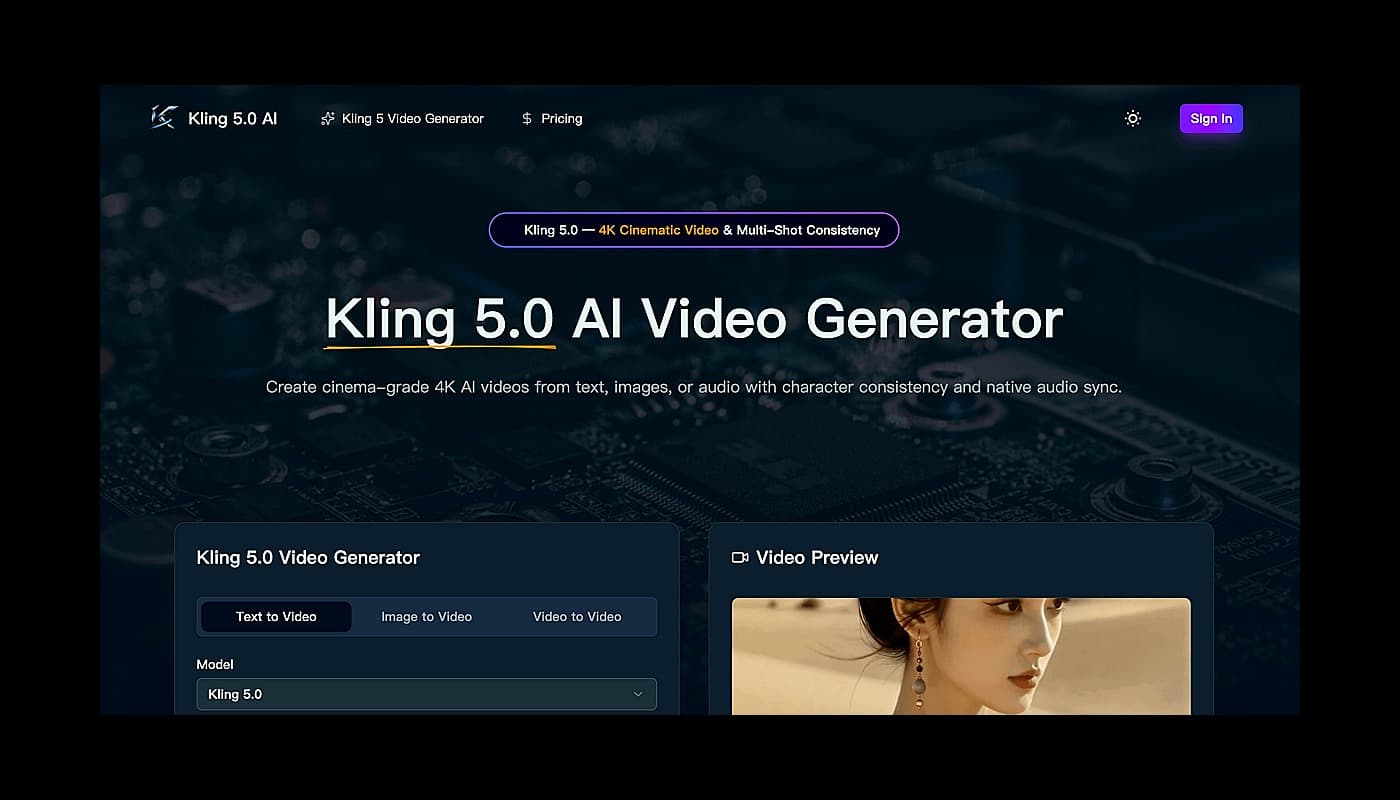
AI Video Generator
Kling 5.0 AI Video Gallery
What Is Kling 5.0 AI?
Why Creators Choose Kling 5.0 AI
How to Use Kling 5.0 AI in Three Steps
- Evaluate Kling 5 for productivity workflows
- Use Kling 5 for the main workflow described on the official website
- Compare Kling 5 with similar productivity products before choosing a workflow
- 1Open the official Kling 5 website.
- 2Review the homepage details, examples, or onboarding flow to confirm it fits your task.
- 3Start with the main web app workflow and provide the required input or setup information.
- 4Check the output or result, then adjust settings based on your use case.
What is Kling 5?
Kling 5.0 AI offers Kling AI video generation. Create 4K cinematic videos from text or images with character consistency, native audio sync, and lip-sync.
How do I start using Kling 5?
Visit the official website, review the available workflow, and start from the main web app experience.

Related Tools
More active tools in Productivity.

RemoveMark
DealFree online tool to remove watermarks from Sora videos instantly. Works without downloads. Remove sora 2 watermark with the best video tool available.

SpeedyShare
Upload a file, share the QR code or 6-digit link — done in seconds. No account, no app. Files auto-delete after 30 minutes. iPhone, Android, Mac, Windows.

SpeedyShare - Easy, free file sharing
Upload a file, share the QR code or 6-digit link — done in seconds. No account, no app. Files auto-delete after 30 minutes. iPhone, Android, Mac, Windows.

keywordranker
Dealkeywordranker is a keyword research tool centered on a free KGR calculator. It helps SEO users analyze long-tail keywords, estimate low-competition opportunities, and understand Keyword Golden Ratio strategy with supporting SEO metrics.

