Loom
One video is worth a thousand words — record your screen and camera, then share AI-enhanced video messages.
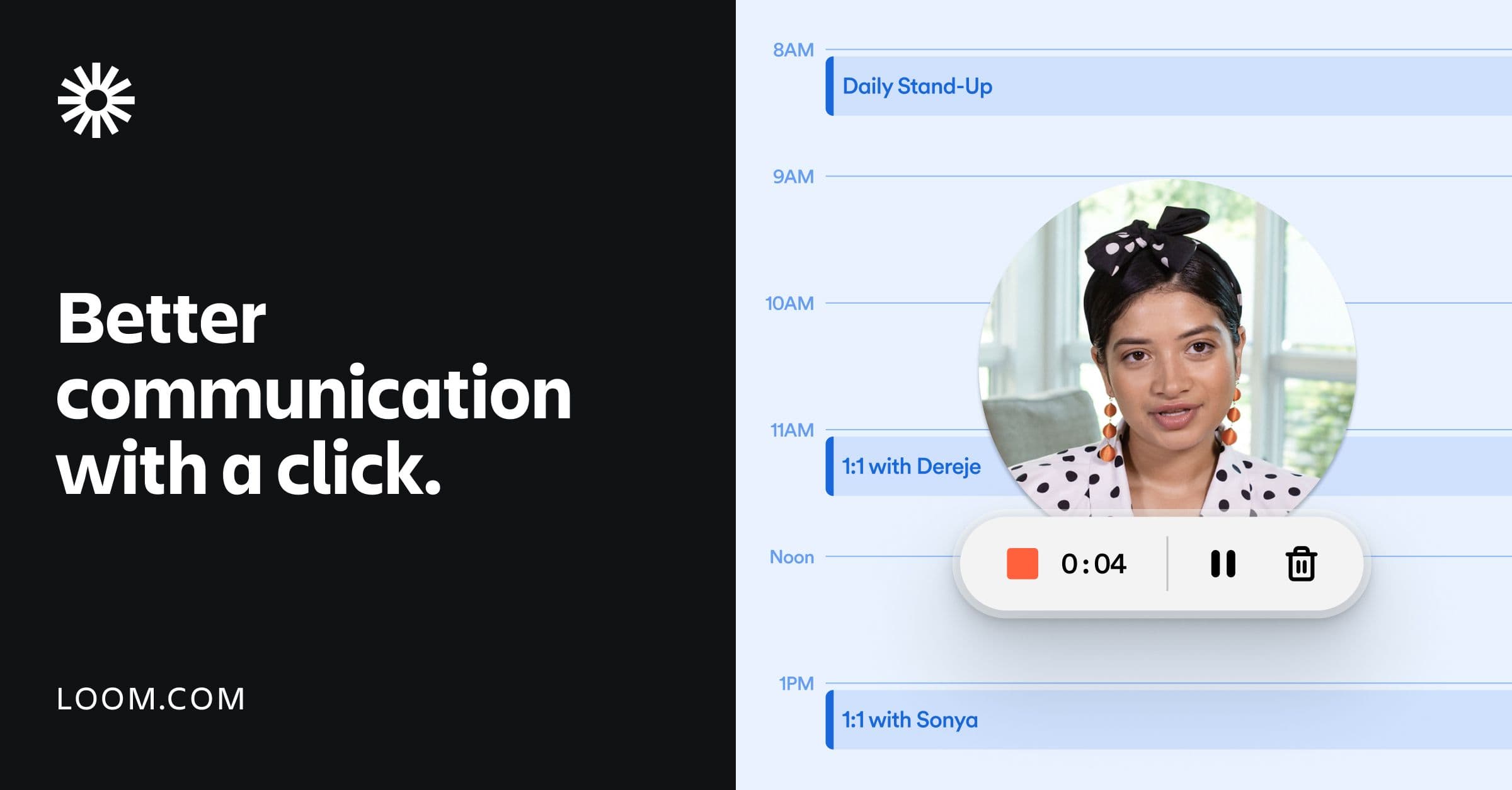
Screen and camera recording via extension, desktop, and mobile apps
Automatic transcriptions and captions in 50+ languages
Editing: trim, stitch, backgrounds, text, and arrows
Embeds and sharing across 300+ tools (Slack, Jira, Figma, Salesforce)
AI features: video-to-text, auto meeting recaps, and Jira bug reports
- Async standups and updates for distributed teams
- Recording product walkthroughs and tutorials
- Explaining bugs or feedback with screen + voice
- Embedding demo videos in docs, tickets, and CRMs
- 1Install the Chrome extension or desktop/mobile app
- 2Record your screen and camera in one click
- 3Let Loom auto-transcribe and trim as needed
- 4Share the link or embed it in your tools
Is Loom free?
Loom's free Starter plan includes 25 videos with five-minute screen recordings, transcriptions, and comments. Business is $18/user/month for unlimited videos; Business + AI is $24/user/month.
What platforms does Loom support?
Loom works on Mac, Windows, iOS, Android, and as a Chrome browser extension, so you can record from desktop or mobile.
Does Loom transcribe videos?
Yes. Loom automatically generates transcriptions and closed captions in 50+ languages, and AI can convert recordings into text and meeting recaps.

Related Tools
More active tools in Video.

pixelflowlevel.app
pixelflowlevel.app is a guide hub for the Pixel Flow puzzle game. It provides level walkthroughs, searchable guide pages, video help, and gameplay tips for players who want to find solutions and master challenging levels faster.

cluesbysam
Find Clues by Sam answers, daily walkthroughs, and the full archive for every puzzle level. Search fast and watch the matching video guide.

MEANINGS
Discover insightful stories that challenge your perspective. Explore deep analysis of films, TV series, and cultural phenomena.
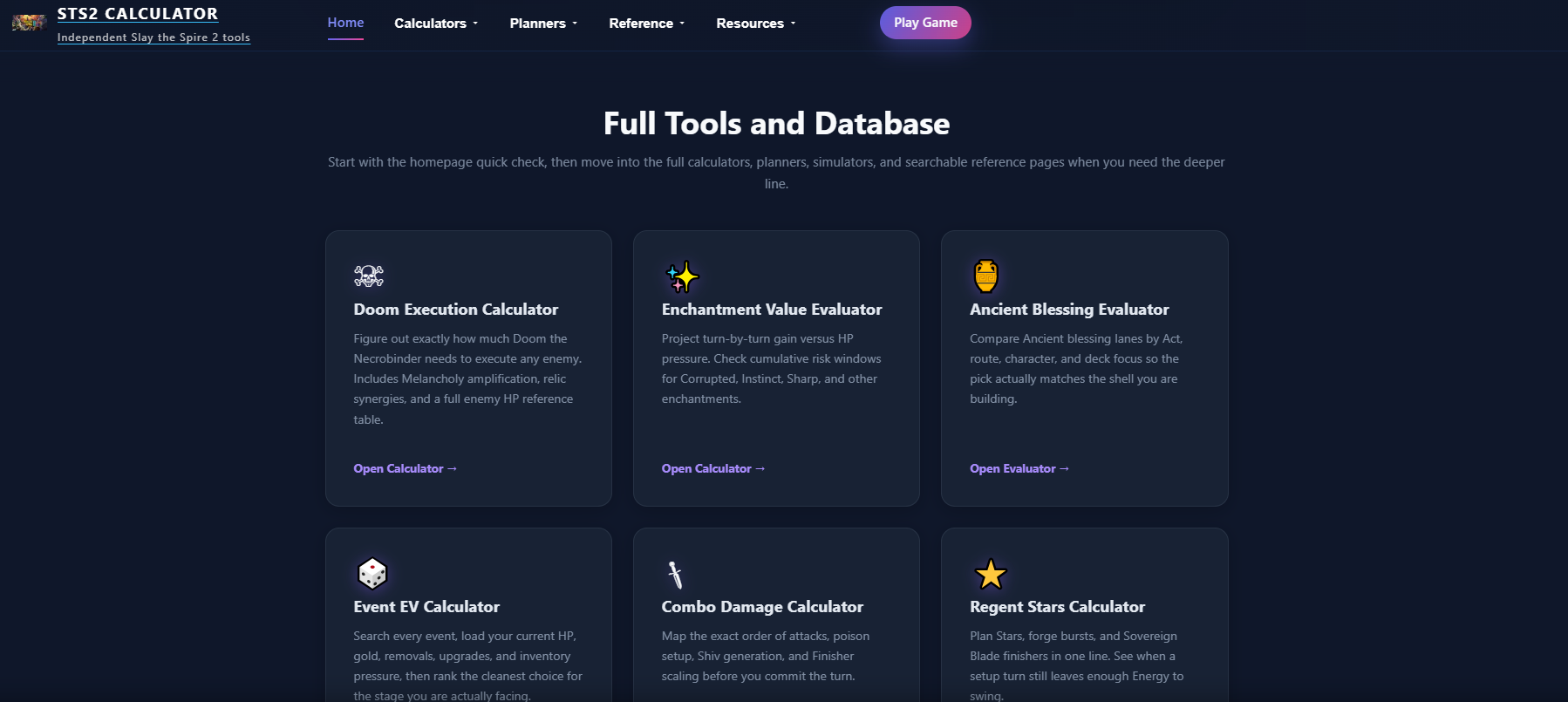
STS2 Calculator
Interactive calculators for Slay the Spire 2. Calculate Doom execution thresholds, optimize Necrobinder runs, and plan every combat with precise data.